


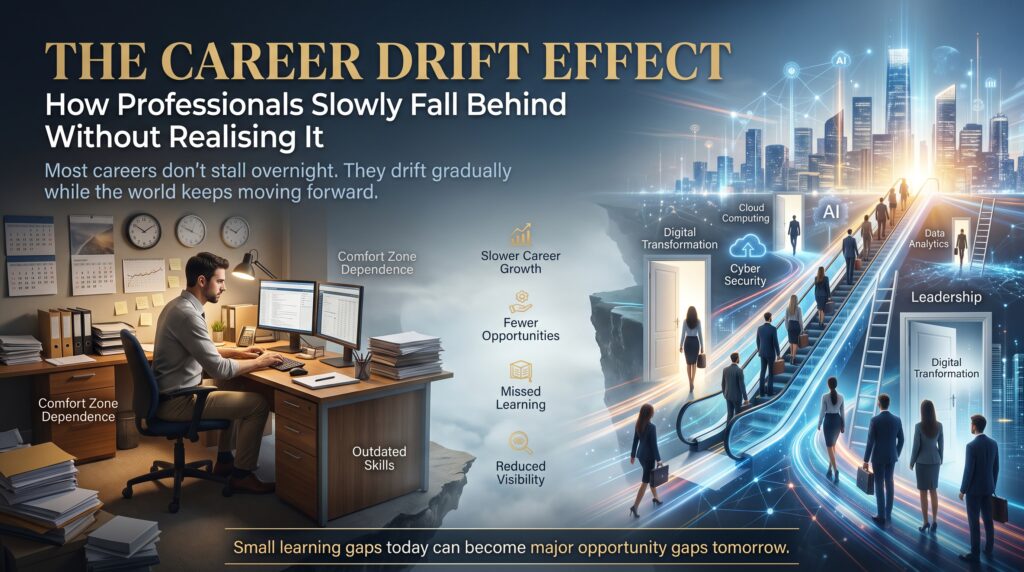

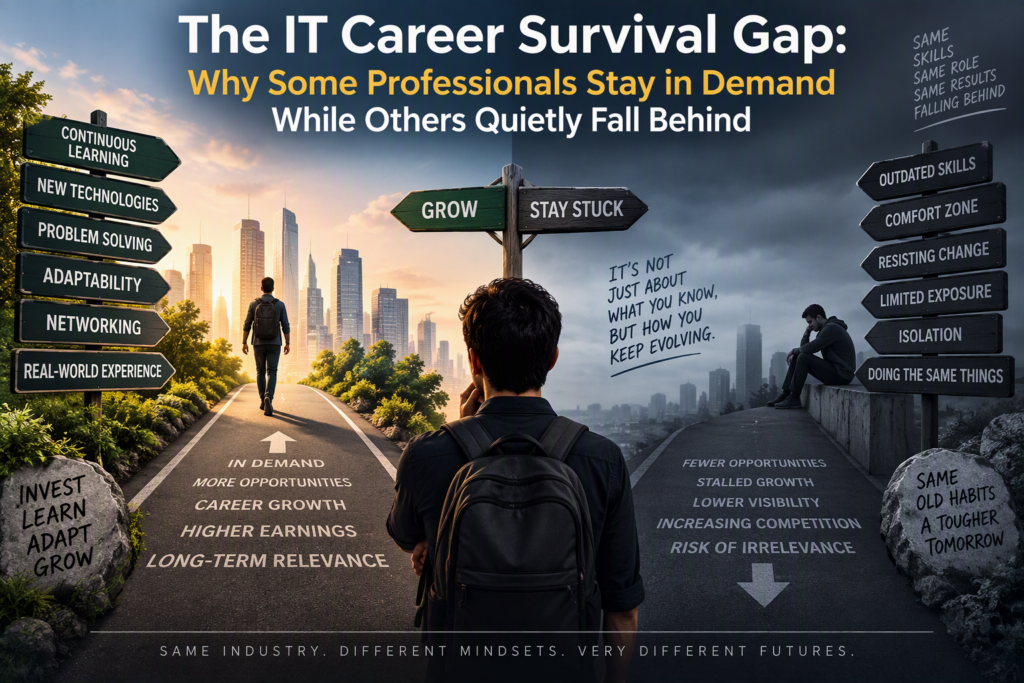
Some people manage to stay relevant in IT for thirty years. Others start feeling out of date after five. They do not differ much in intelligence or work ethic, and often they started at the same company with the same job title. What separates them is a gap that opens slowly and quietly: the distance between the skills you have and the skills the market currently pays for. Call it the IT career survival gap.
The unsettling part is that nothing warns you. Your job still works, your manager seems fine and your systems keep running. Then a restructure arrives, or you apply for a new role and discover that the job ads describe tools you have never touched. This guide explains how the gap forms, how to spot it early and how to build a simple system to stay relevant in IT without burning out or chasing every trend.
What Is the IT Career Survival Gap?
The IT career survival gap is the difference between what you can do today and what employers are actually hiring and promoting for. It is not a measure of how smart you are or how hard you work. It is a measure of drift. Technology moves, hiring priorities move with it, and if your skills stay still, the gap grows by default.
Professionals who stay in demand are not necessarily the most talented in the room. They are the ones who notice the drift early and correct it in small, regular steps. Professionals who fall behind usually do not make one big mistake. They simply stop adjusting.
Why It Is Hard to Stay Relevant in IT
Skills have a shelf life
Few professions change as fast as technology. Infrastructure moved from server rooms to the cloud, security shifted from perimeter defence to identity and monitoring, and AI-assisted tools are now changing how code, reports and support tickets get produced. Some skills last for decades, and some are outdated within a couple of years. The challenge is knowing which is which.
Job ads change before your job title does
Your title may stay the same for years while the requirements behind it quietly shift. A “systems administrator” role today may expect scripting, cloud familiarity and security awareness that the same title did not ask for a decade ago. If you only look at your own role, you will miss it.
Comfort hides the problem
When your current system keeps running, there is no signal that anything is wrong. Being the person who knows the legacy platform feels valuable, right up until the platform is retired. It is much harder to stay relevant in IT when your day-to-day work does not demand anything new.
Warning Signs You Are Falling Behind
The gap is easier to close when you catch it early. Here are signals worth taking seriously:
- You cannot explain what changed in your area of IT over the last twelve months.
- Job ads for roles you would like mention tools or platforms you have never used.
- Your last certification or structured course was several years ago.
- You are mostly known as the person who understands the old system.
- You avoid new projects because they feel risky or unfamiliar.
- You rarely talk to people outside your immediate team or company.
- Recruiters used to contact you regularly, and now they do not.
One or two of these are normal. If most of them sound familiar, it is a good time to act.
The Three Layers of IT Skills
A useful way to manage the gap is to stop thinking of “IT skills” as a single pile. Skills sit in three layers with very different lifespans, and each layer needs a different maintenance approach.
| Layer | Examples | Typical shelf life | How to maintain it |
| Foundations | Networking basics, security fundamentals, SQL, scripting, troubleshooting, communication | Many years | Deepen slowly and keep practising |
| Platform skills | AWS, Azure, Cisco networking, Linux, security tools, data platforms | Several years | Refresh through courses and certifications |
| Edge skills | AI tools, automation, new frameworks and emerging services | Months to a couple of years | Experiment often and keep what proves useful |
Many professionals who fall behind have strong foundations but never refresh the platform layer, or chase the edge layer without any foundations. Those who stay relevant in IT keep all three layers moving at the right speed.
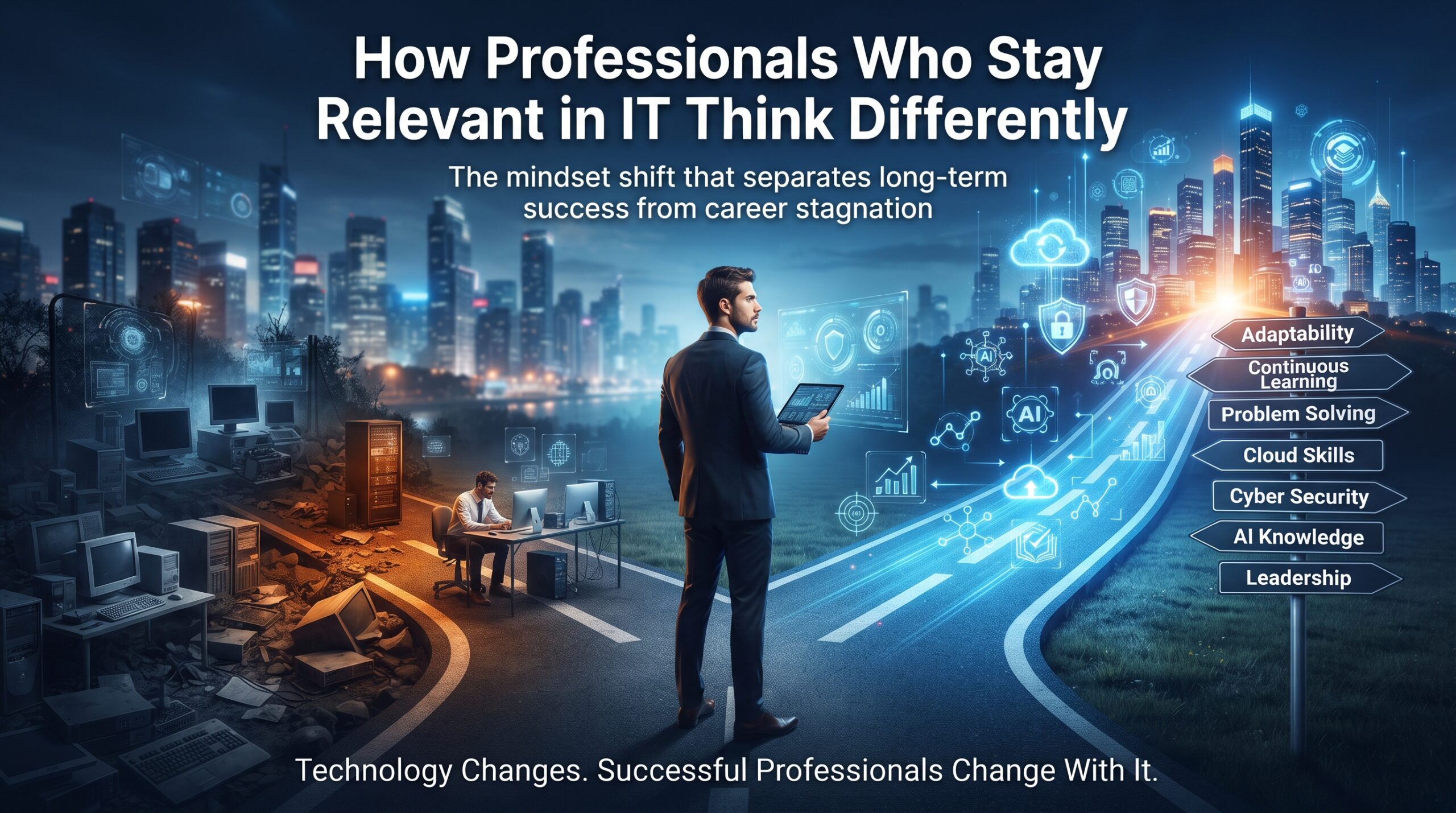
How Professionals Who Stay Relevant in IT Think Differently

They schedule learning like a meeting
Learning that depends on spare time rarely happens. People who stay in demand block regular time for it, even if it is only a couple of hours a week, and they treat that time as non-negotiable.
They follow the job ads, not the hype
Social media is full of predictions. Job listings show what employers are actually paying for. Reviewing a handful of ads for the role you want next, every month or two, is a cheap and reliable way to see where demand is heading.
They build adjacent skills
A network engineer who learns cloud networking, or a support analyst who learns scripting and basic security, becomes harder to replace. Depth in one area plus working knowledge in neighbouring areas is the most dependable way to stay relevant in IT.
They solve visible business problems
Skills matter more when they are tied to outcomes someone cares about: fewer outages, faster onboarding, lower risk, better reporting. Professionals who can describe their work in those terms get noticed.
They keep proof of what they can do
Certifications, short projects, documented lab work and clear notes on what you have delivered all make your skills visible. If you cannot show it, an interviewer cannot trust it.
Staying in Demand vs Quietly Falling Behind
| Area | Stays in demand | Quietly falls behind |
| Learning | Scheduled and regular | Only when forced by a project |
| Skill mix | Strong foundations plus adjacent skills | One narrow area, often on legacy tools |
| Market awareness | Reads job ads and talks to peers | Looks only at their own role |
| Evidence | Certifications, projects and results | Experience that is hard to prove |
| New technology | Experiments in a safe environment | Waits until it is unavoidable |
| Network | Active outside their company | Mostly the same colleagues |
A 12-Month Plan to Stay Relevant in IT
You do not need a dramatic career overhaul. A steady, simple plan works better than occasional bursts of effort. Try this over the next twelve months:
- Month 1: audit your skills. List your foundations, platform and edge skills. Mark each one as growing, stable or ageing.
- Month 1: scan the market. Collect eight to ten job ads for the role you want in 12 to 18 months and note the repeating tools and requirements.
- Months 2 to 4: close one platform gap. Choose a single platform skill from the ads, such as cloud, networking or security, and take a structured course so the learning has a clear path.
- Months 5 to 7: build something small. Apply the skill in a real or simulated project, even a basic one, and write down what you built and what you learned.
- Months 8 to 10: certify or present. Sit a relevant certification or present your project to your team. Either one turns private learning into visible proof.
- Months 11 to 12: review and reset. Repeat the market scan, compare it with your audit and choose the next skill to refresh.
Which IT Skills Are Worth Learning Now?
The right choice depends on your current role and where you want to go. Here is a simple map of career lanes and the courses that support them:
- Security: the Cyber Security Course builds practical security skills that are relevant across almost every IT role.
- Networking: the CCNA Certification Training Course covers core networking and is a respected foundation.
- Cloud: AWS Technical Essentials introduces core cloud services, pricing and security.
- Data: SQL Database Training strengthens one of the most durable skills in IT.
- AI: Artificial Intelligence (AI) Essentials explains core AI and machine learning concepts, models and ethics.
- Software: the Web Development Course covers modern, responsive websites and deployment.
- Business-facing IT: the Business Analyst Certification is useful for technical people who want to work closer to decision-makers.
You can compare everything on the courses page. If you want to go deeper in a specialty, our partner sites cover cybersecurity certifications, Azure certifications and CCNA certification in detail, and Logitrain lists the wider catalogue.
Where to Stay Relevant in IT Across Australian Cities
Demand differs by city, and so do the skills that keep people employable. Here is a general view of where each major market tends to lean, with local course pages.
| City | Typical IT demand | Training |
| Sydney | Financial services, fintech, cloud and enterprise technology | IT courses Sydney |
| Melbourne | Health, education, telecommunications and digital transformation | IT courses Melbourne |
| Brisbane | Infrastructure, utilities, government services and growing tech teams | IT courses Brisbane |
| Perth | Resources, energy technology and engineering systems | IT courses Perth |
| Adelaide | Defence-related industry, health and public sector shared services | IT courses Adelaide |
| Canberra | Federal government, security and policy-driven technology programs | IT courses Canberra |
For broader labour-market information, Jobs and Skills Australia publishes occupation and skills data, and the Australian Computer Society is a useful professional body for IT workers. Learning from home works too, and you can see every delivery option on the locations page.
Frequently Asked Questions
How do I stay relevant in IT?
Keep your foundations strong, refresh one platform skill every year or so, experiment with new tools in a safe environment and track what employers are asking for in job ads. Regular, scheduled learning matters more than occasional bursts.
What is the IT career survival gap?
It is the growing distance between the skills you currently have and the skills the market pays for. It opens slowly because nothing in your day-to-day job signals that it is happening.
How often should IT professionals upskill?
There is no fixed rule, but a sensible rhythm is to review your skills every six to twelve months and complete at least one meaningful learning step, such as a course or certification, each year. Fast-moving areas such as cloud, security and AI may need more frequent attention.
Are certifications still worth it to stay relevant in IT?
They help when they match what employers are hiring for and when you pair them with practical experience. A certification shows structured learning, but a project or real result shows you can apply it.
Which IT skills last the longest?
Foundational skills such as networking, security principles, SQL, scripting, troubleshooting and clear communication tend to last the longest. Specific tools and platforms need refreshing more often.
Can AI make my IT skills obsolete?
AI will change how many tasks are done, and some routine work will shrink. Professionals who understand fundamentals, can use AI tools well and can connect their work to business outcomes are generally in a stronger position than those who ignore the change.
The Bottom Line
The IT career survival gap does not appear overnight, and it is not a verdict on your ability. It is the result of small adjustments that were skipped for too long. The good news is that closing it works the same way: small, regular steps. Audit your skills, read the market, refresh one platform skill, build something and show your work. Do that every year and it becomes much easier to stay relevant in IT, whatever the next wave of technology looks like.
Ready to take the next step? Explore our IT courses in Australia or contact our team to find the right course and location. You can also learn more about us, read more on the blog or check the FAQs.